The Moment Every Incident Begins
A service slows down. Error rates climb. Latency spikes. Someone notices an alert.
Within minutes, engineers gather in an incident channel, and the first question appears: What changed?
This question sits at the center of nearly every incident investigation. And yet, in most organizations, it’s one of the hardest questions to answer.
Not because the data doesn’t exist, but because it’s scattered, disconnected, and lacks context.
Why Finding Changes Is Harder Than It Should Be
At first glance, it seems like teams should already know what changed. After all, modern systems produce enormous amounts of data:
- Audit logs
- Deployment records
- Infrastructure events
- Configuration updates
- Observability signals
But these systems were never designed to answer a simple operational question: What changed across the environment that caused this issue?
Instead, they provide isolated fragments of activity:
- A deployment happened
- A policy was updated
- A configuration value changed
But they don’t connect these changes across services, time, and impact.
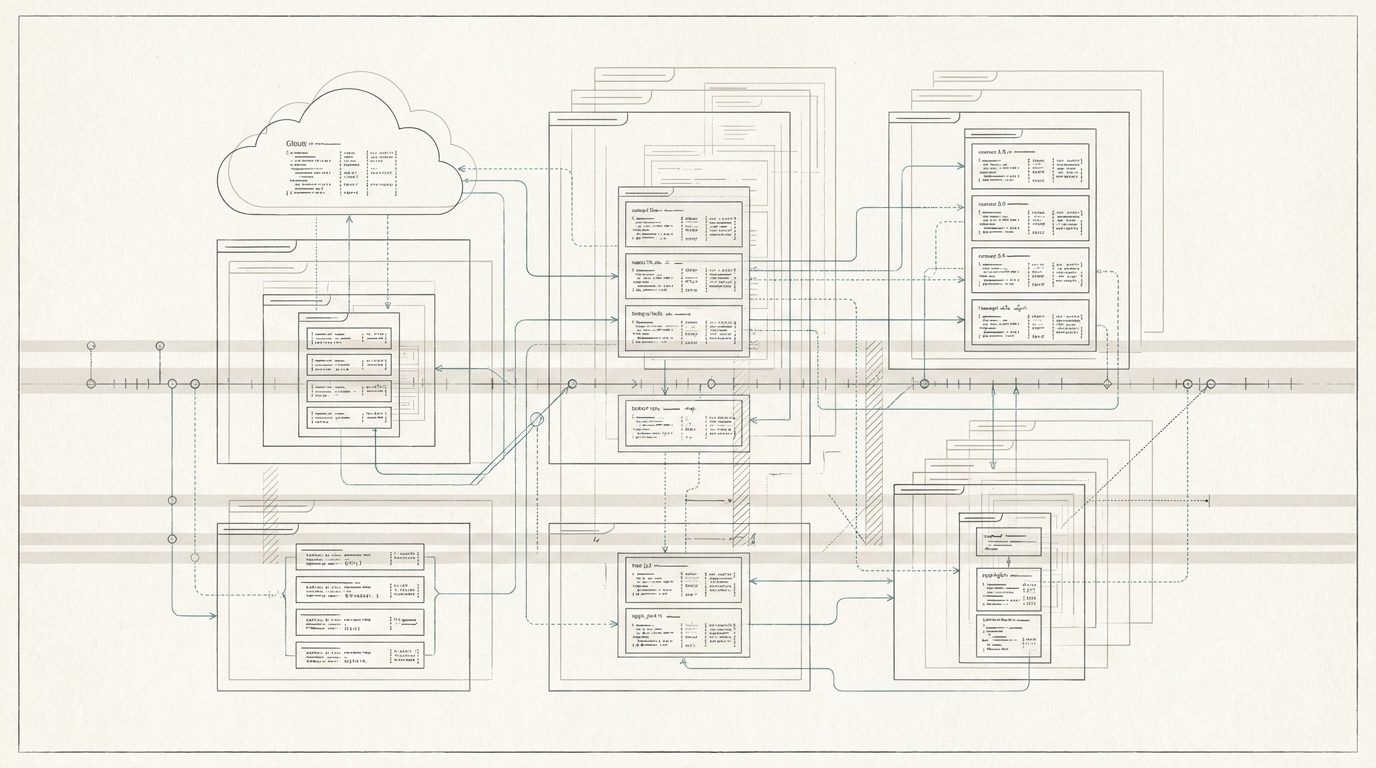
As a result, engineers often spend significant time reconstructing timelines manually. They check deployment histories. They search infrastructure logs. They examine configuration management systems. They scan commit histories. And only after piecing together multiple systems do they begin to see the change that triggered the incident.
This investigative work is slow, frustrating, and error-prone. More importantly, it delays recovery.
What IT Teams Actually Need During an Incident
Imagine a different experience.
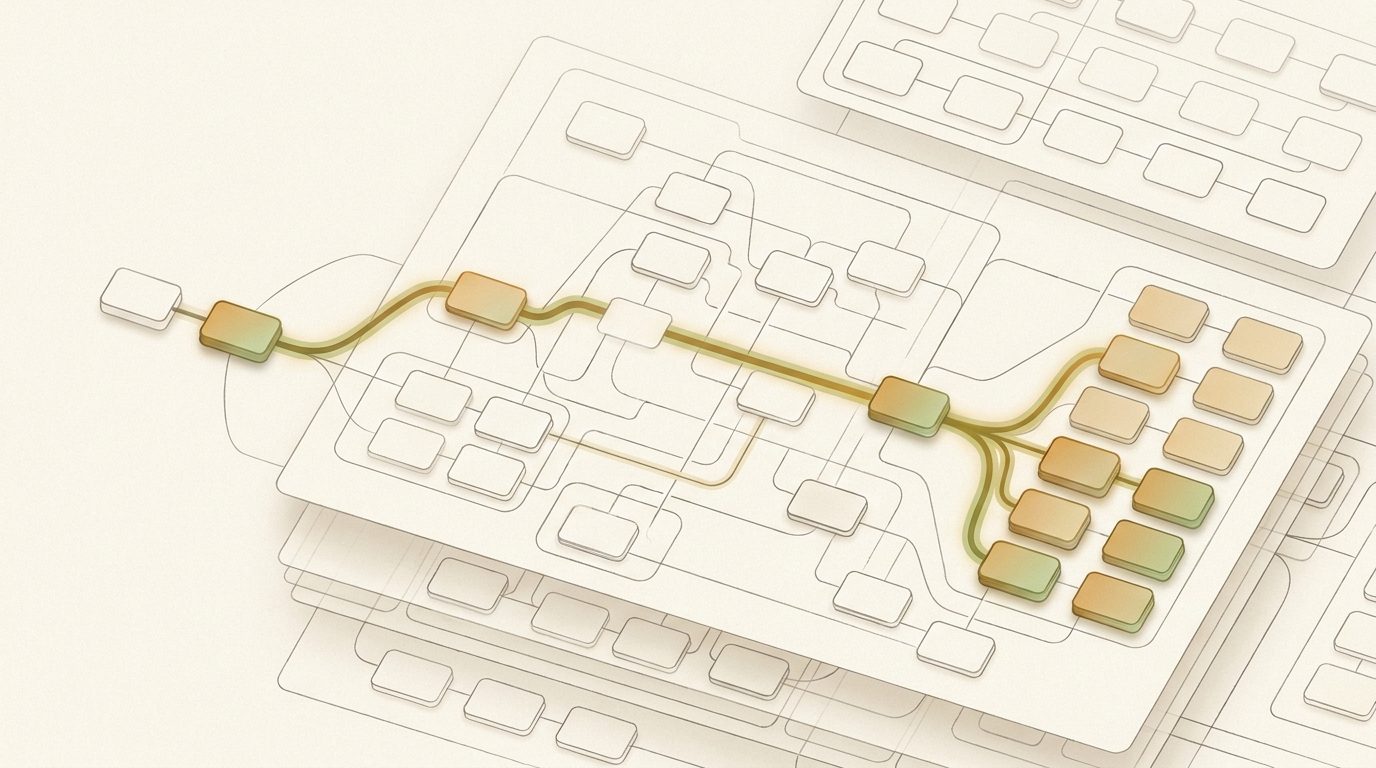
Instead of manually hunting through logs and dashboards, a system immediately surfaces the most relevant environmental change. A unified timeline shows:
- What configuration changed
- Who made the change
- When it occurred
- Which services were affected
- How it correlates with system behavior
Within seconds, IT teams can validate whether a configuration change triggered the incident.
No guesswork. No fragmentation. Just clarity.
This is the foundation of configuration & change transparency.
What Is Configuration & Change Transparency?
Configuration & change transparency is the ability to see, understand, and trace all configuration changes across an environment in a unified, contextual way.
It answers four fundamental questions:
1. What changed?
2. Who made the change?
3. When did the change occur?
4. How did the change impact the system?
But more importantly, it connects these answers across services, systems, and time.
This transforms change from something teams must investigate into something they can immediately understand.
Why Configuration & Change Transparency Matters in Modern Systems
In distributed environments, change is constant:
- Infrastructure scaling
- Policy updates
- Routing changes
- Service configuration updates
- Feature flag toggles
Most IT incidents don’t happen randomly, they follow change.
But without transparency, organizations face persistent challenges:
Slow Incident Resolution
Teams spend hours manually reconstructing timelines instead of resolving issues.
Incomplete Incident Understanding
Postmortems often lack clear, evidence-backed explanations of what changed.
Weak Operational Accountability
It’s difficult to trace changes back to specific actors and decisions.
Compliance and Audit Challenges
Regulated industries require clear records of system changes. When configuration modifications cannot be easily reconstructed, compliance investigations become lengthy and complex.
Configuration & change transparency helps solve all these problems.
Introducing Operational Intelligence: A System of Record for Change
Operational Intelligence is built around a simple idea:
Every configuration change should be visible, contextualized, and immediately understandable across your entire environment.
Instead of relying on fragmented logs, Operational Intelligence creates a unified system of record for configuration and change activity.
It continuously captures, connects, and explains changes across services, infrastructure, and operational signals so teams always know what changed and why it matters.
How Operational Intelligence Enables Configuration & Change Visibility
Cross-Service Change Visibility
Operational Intelligence tracks configuration changes across systems like Entra ID, Microsoft 365, Intune, Azure, and beyond, ensuring visibility isn’t siloed.
Unified Timeline of Change
All configuration changes, deployments, and system events appear in a single, time-ordered view. Teams immediately see what changed leading up to an incident.
Change Attribution
Every modification is tied to an actor, providing clear accountability across teams and systems.
Contextual Change Explanation
Operational Intelligence doesn’t just show that something changed, it explains exactly what changed and why it matters.
Incident Correlation
Configuration changes are automatically correlated with performance degradation, outages, and anomalies —connecting cause and effect instantly.
Integrated Drift Detection
Operational Intelligence includes configuration drift detection as part of its platform, surfacing unexpected or unintended changes within the broader context of system activity.
How Teams Use Configuration & Change Transparency in Practice
Following are three common scenarios where Operational Intelligence provides configuration & change transparency.
Example 1: Investigating a Sudden Outage
An API begins returning errors.
Instead of searching multiple systems, engineers open Operational Intelligence and immediately see:
- A routing configuration change at 12:03 PM
- A deployment event moments earlier
- A spike in latency shortly after
Within minutes, the team confirms the cause and rolls back the change.
Example 2: Understanding Unexpected Behavior
A backend service shows degraded performance.
Operational Intelligence reveals:
- A configuration change in the service mesh
- The exact rule that was modified
- The services impacted by the change
The issue is identified and corrected without prolonged investigation.
Example 3: Supporting Compliance and Audits
A security team needs a history of access policy changes.
Operational Intelligence provides:
- Timestamped configuration changes
- Actor attribution
- Detailed modification records
Audit preparation shifts from manual reconstruction to instant retrieval.
The Business Impact of Configuration & Change Transparency
Organizations that implement operational intelligence with configuration & change transparency gain measurable advantages:
Faster Root Cause Validation
Confirm change-related causes in minutes, not hours.
Reduced Outage Duration
Resolve incidents faster by immediately identifying triggering changes.
Stronger Accountability
Every change is traceable to a specific actor and moment in time.
Improved Audit Readiness
Evidence-backed configuration timelines simplify regulatory reviews.
Reduced Operational Overhead
Eliminate time spent stitching together data from disconnected systems.
These improvements allow organizations to operate with greater confidence and transparency.
From Investigation to Immediate Understanding
By incorporating a platform like Operational Intelligence, teams gain valuable insight into one of the most common triggers of system instability: change.
To reinforce the value of configuration & change transparency, consider a typical incident timeline:
12:00 PM: A configuration change is introduced
12:05 PM: Latency increases
12:07 PM: Errors spike across several endpoints
12:10 PM: Alerts trigger
Without configuration & change transparency, teams might spend hours investigating.
With Operational Intelligence, the system immediately highlights the configuration change that occurred minutes before the incident. Engineers confirm the root cause within minutes and revert the configuration.
The difference between these two outcomes can determine whether an outage lasts minutes or hours.
See Every Change. Understand Every Impact.
In modern systems, change is constant. But confusion doesn’t have to be.
With configuration & change transparency, every change becomes clear, traceable, and explainable.
And when the next incident begins, your team won’t ask what changed—
They’ll already know.
Operate Your Microsoft Environment with Clarity
Operational Intelligence is a purpose-built platform for IT teams managing complex Microsoft ecosystems and spending too much time addressing change-related incidents.
Operational Intelligence eliminates the visibility gap across Microsoft services and endpoints to provide a unified system view, including granular configuration intelligence, complete change transparency, and persistent operational memory of every incident and resolution.
By combining natural language investigation with advanced AI, Operational Intelligence empowers IT teams to reduce investigation times, escalations, and MTTR (Mean Time to Resolution). Through tenant-specific cross-service root cause intelligence and proactive configuration drift monitoring, Operational Intelligence reduces incident frequency (both new and repeat incidents).
No more chasing alerts. No more jumping between tools. No more manually reconstructing timelines.
Instant understanding of what changed, what it impacted, and how to fix it.
Request a demo or connect with one of our experts today to see how you can bring clarity, speed, and control to your operations.