

Unstable
Autopilot that works sometimes
Provisioning depends on timing, luck, or tribal knowledge.
Engineering Services
We design and implement enterprise endpoint platforms using Microsoft-first architecture: Entra ID, Intune, Autopilot, Windows 11, Defender for Endpoint, and governance patterns that reduce friction, improve compliance, and make operations predictable.
Design for Zero Trust and operational reality, standardize provisioning policy patching and security baselines, and build a platform your team can run without heroics.
They fail because architecture is inconsistent. Policy intent is unclear, provisioning is brittle, patching is fragmented, and security controls are deployed without an operating model.
The result is predictable: exceptions multiply, compliance becomes noisy, support teams react instead of improving, and there is no governed lifecycle for Windows 11 readiness, ring strategy, or app packaging.
Unstable
Provisioning depends on timing, luck, or tribal knowledge.

Drift Detected
Conflicting settings, unclear ownership, and unpredictable device state.

Visibility Gap
You can see percentages, but cannot quickly diagnose why devices fall behind.

Operational Risk
Baselines are applied, but drift and exceptions are not operationally managed.
Documented endpoint blueprint across identity, management, security, patching, and operating model.
Autopilot design, profiles, ESP strategy, device persona handling, and rollout planning.
Naming standards, policy layering, separation of concerns, and conflict-avoidance patterns.
Modern endpoint architecture is not a single configuration exercise. It is a coordinated operating model across enrollment, policy, security, patching, and workflow design.
These design domains help build endpoint environments that stay secure, supportable, and easier to operate as they scale.
Microsoft security baselines, CIS alignment, exception handling, and drift control.
Windows Update for Business ring strategy with drivers and third-party patching approach.
Monitoring, reporting, and proactive remediation workflows that reduce MTTR.
Together, these deliverables give the team a practical foundation for running modern endpoint architecture after the project work is complete.
Modern endpoint architecture works better when policy, identity, operations, and governance are designed as one connected platform instead of separate layers. Together, these areas create a foundation that can scale with stronger control and fewer operational gaps.
Entra ID posture, Conditional Access strategy, device identity, and authentication methods.
Compliance policy design that reflects actual risk and operational behavior.
Configuration profiles, security templates, and application control policy strategy.
Defender for Endpoint integration, onboarding strategy, and response operating patterns.
Packaging standards, Win32 strategy, detection rules, and change control.
Supportability patterns for cloud-managed endpoints with secure actions and diagnostics.
That alignment turns modern endpoint architecture into a workable platform strategy instead of a set of disconnected configuration decisions.
Modern endpoint architecture should create measurable operational improvement, not just technical activity. These are the outcomes we usually target to confirm the work is reducing risk, support friction, and delivery drag in production.
Reduced Autopilot and ESP failure rates and faster time-to-productive. Provisioning becomes predictable across personas and networks.
Fewer false non-compliance events. Policy intent is clear, conflicts are engineered out, and exceptions are governed.
Higher patch compliance and faster remediation. Rings are designed, troubleshooting is structured, and remediations are automated.
Faster root cause identification through telemetry and workflows that support investigation over guesswork.
Those outcomes give the team a practical way to prove that modern endpoint architecture is creating durable value after rollout.

Modern endpoint work needs a clear control model before more policy, provisioning, remediation, and security decisions are layered into production.
A strong endpoint architecture connects enrollment, compliance, identity, application delivery, and operations before those decisions split into separate workstreams.
The architecture has to keep helping after rollout. Device health, policy drift, remediation outcomes, and support ownership need to remain visible in the operating model.
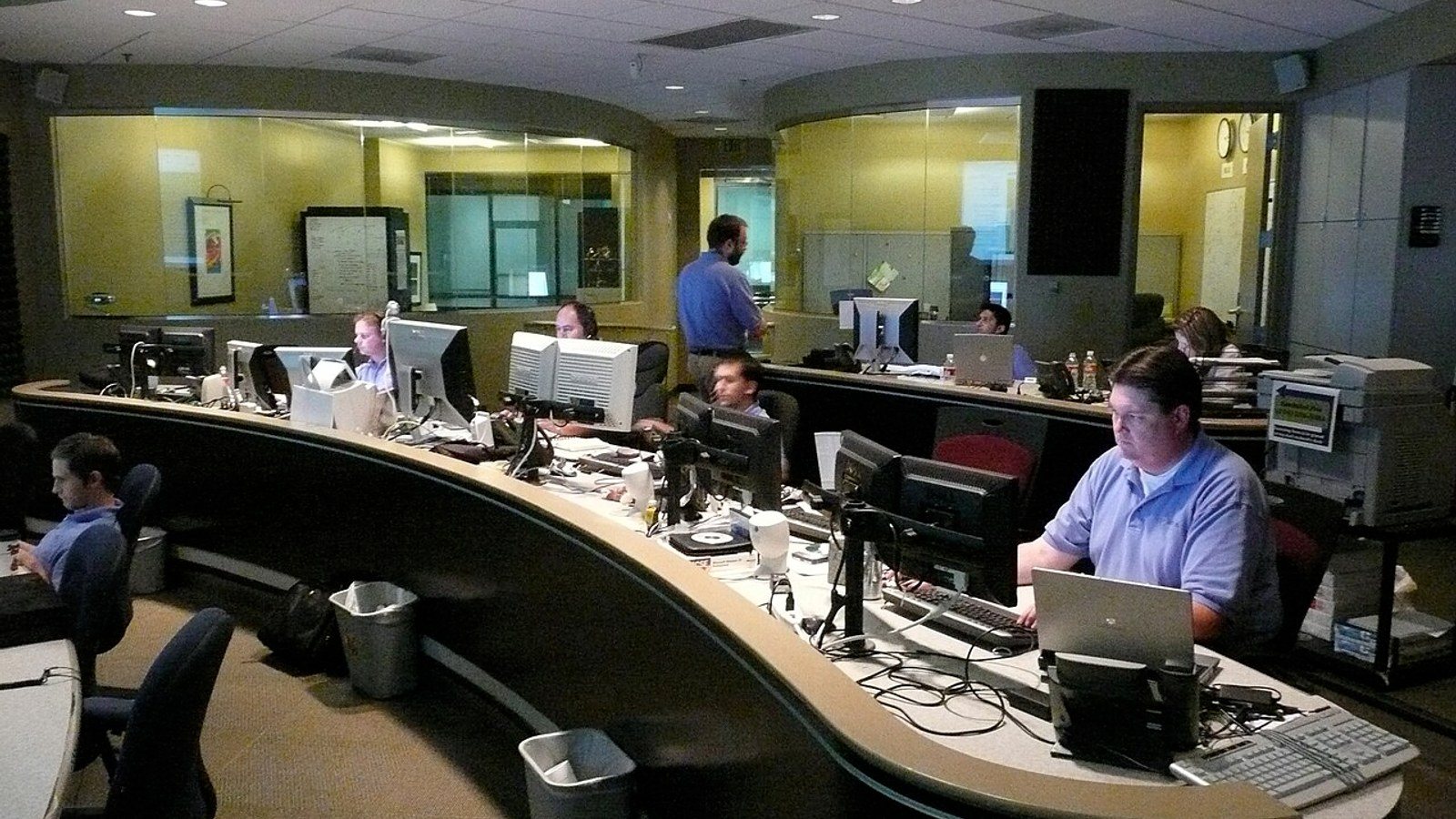
A single operating view helps teams keep provisioning, compliance, remediation, and support decisions from drifting apart after the initial design is complete.
Autopilot, enrollment profiles, device groups, and naming standards should reinforce the way the endpoint estate is intended to run.
Compliance, configuration, Conditional Access touchpoints, and exception handling are reviewed as one endpoint trust system.
Proactive remediation, reporting, and support signals show where the architecture needs tuning instead of leaving drift hidden.
Provisioning, compliance, security posture, and remediation kept in one endpoint operating model.
Our approach to modern endpoint architecture is designed to reduce delivery risk while keeping decisions grounded in the operating reality of the environment. Each step moves from assessment into design, implementation, and handoff so the solution is easier to run after launch.
Inventory current design, policy model, Autopilot flows, patching, controls, and operational gaps.
Define reference patterns, standards, and guardrails with clear rationale and transition points.
Implement in a controlled pilot with explicit success criteria and rollback paths.
Phased rollout, documentation, handover, and operations enablement.
Telemetry, drift detection, proactive remediations, and continuous improvement.
That sequence keeps modern endpoint architecture practical to deliver, controlled during rollout, and sustainable once it moves into day-two operations.
Week one is about getting enough signal to make the first architecture decisions, not asking your team for months of cleanup work before the engagement can start.
These inputs let us map persona boundaries, validate control assumptions, and sequence the first moves around Windows 11, Intune, security, and operational readiness.
Persona Map
Knowledge workers, shared kiosks, privileged users, frontline roles, dev-test devices, and any other personas that need different enrollment, access, or support patterns.
That persona map tells us where one design can be standardized and where the architecture needs deliberate exceptions.

Identity Posture
Your current identity model, Conditional Access posture, and the security requirements that cannot be weakened during rollout or coexistence.
This is where we pressure-test trust boundaries before design choices start getting locked in.

Management Stack
Intune and Configuration Manager coexistence, packaging workflow, application deployment approach, and patching method all shape the migration path.
We need the real operating model here, not just the intended toolset on the slide deck.

Constraints
Change windows, support coverage, audit or compliance needs, Windows 11 roadmap, and application-readiness blockers determine how aggressive the first phases can be.
These constraints keep the architecture grounded in what the organization can actually absorb.
Purpose-built provisioning and maintenance for shared device personas.
Learn moreAutomation that removes manual effort from endpoint operations and business processes.
Learn moreGoverned agents that assist triage, decisioning, and workflow execution.
Learn moreNo. We can design for Intune-first, co-management, or phased migration. The goal is a target-state platform with a practical transition plan.
Yes. We incorporate Windows 11 readiness, rollout rings, application compatibility planning, and operating model changes into the architecture.
Yes. We design persona-based provisioning and address the common causes of inconsistent enrollment.
Yes. We design baseline governance, exceptions, drift control, and operational reporting.
Stable provisioning, a clean policy model, measurable compliance with less noise, predictable patching, and an operational playbook your team can run.
We will review your current state, identify failure points, and propose a target-state design with a rollout plan your team can execute. Best for mid-to-large enterprises running Microsoft endpoint stacks.


