

Editorial Desk

Blog

Reporting on operational intelligence, Microsoft IT, security posture, and enterprise delivery.

Clear filters
IT administrator remotely managing Entra joined Windows computers through a secure cloud-connected environment
Technical articles
May 26, 2026Andrei Arapov

How to Remotely Manage Entra Joined Windows Computers

If you’re reading this, chances are you're either managing a fleet of devices joined to Entra (formerly Azure AD) or are considering a shift to Entra-joined devices. You might be wondering whether you'll still be able to run remote scripts, access shared resources, or perform all the tasks you're used to on domain-joined machines. Don’t worry! With a few configurations and the right tools, you can still enjoy a smooth, effective way to connect and manage these devices remotely.

Read article

Secure firewall architecture protecting remote management connections for Entra joined Windows devices
Technical articles
May 26, 2026Andrei Arapov

Essential Firewall Configuration for Secure Remote Management on Azure AD Joined Devices

Often, when IT admins discuss remote management of Azure AD-joined (now Entra ID) devices, there’s a perception that achieving secure remote management is nearly impossible. The sentiment often goes, “Why would you want a ‘swiss cheese’ firewall on your public profile?” But is it actually possible to configure a firewall on Entra ID-joined devices to allow traffic like SMB, RPC, and WinRM securely, similar to domain-joined devices? The answer is yes! In this post, I’ll walk you through a secure approach to firewall configuration that keeps your Azure AD-joined devices accessible yet protected.

Read article
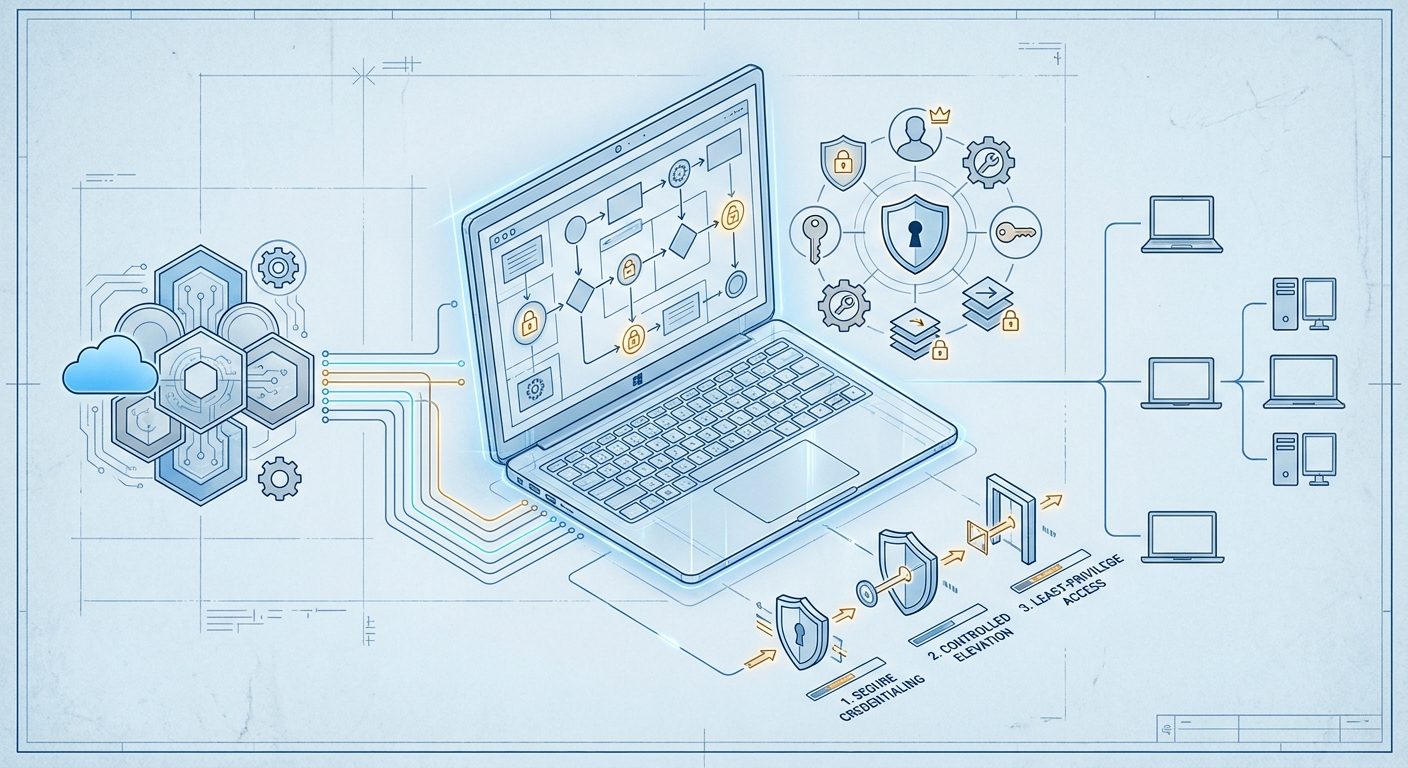
Technical schematic illustrating secure local administrator account deployment through Intune-managed Windows devices
Technical articles
May 26, 2026Andrei Arapov

How to Create Local Administrator Account Using Microsoft Intune

Hey there, fellow IT admins! Today, let’s dive into creating a local administrator account using Microsoft Intune on your Windows devices. This setup is essential for tasks like elevating UAC—especially crucial in a passwordless environment—along with troubleshooting, remote management, and overall device control. With Intune, you can configure local admin accounts across multiple devices, ensuring they’re secure and set up during Autopilot provisioning.

Read article